
Secure single sign-on (SSO) solution
One-click access to all apps for business of all sizes, from SME to large enterprise
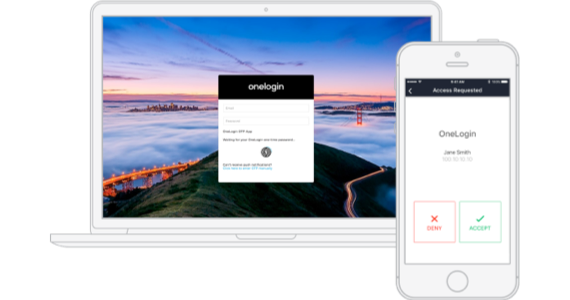
One secure SSO portal for all apps, for every business - large or small
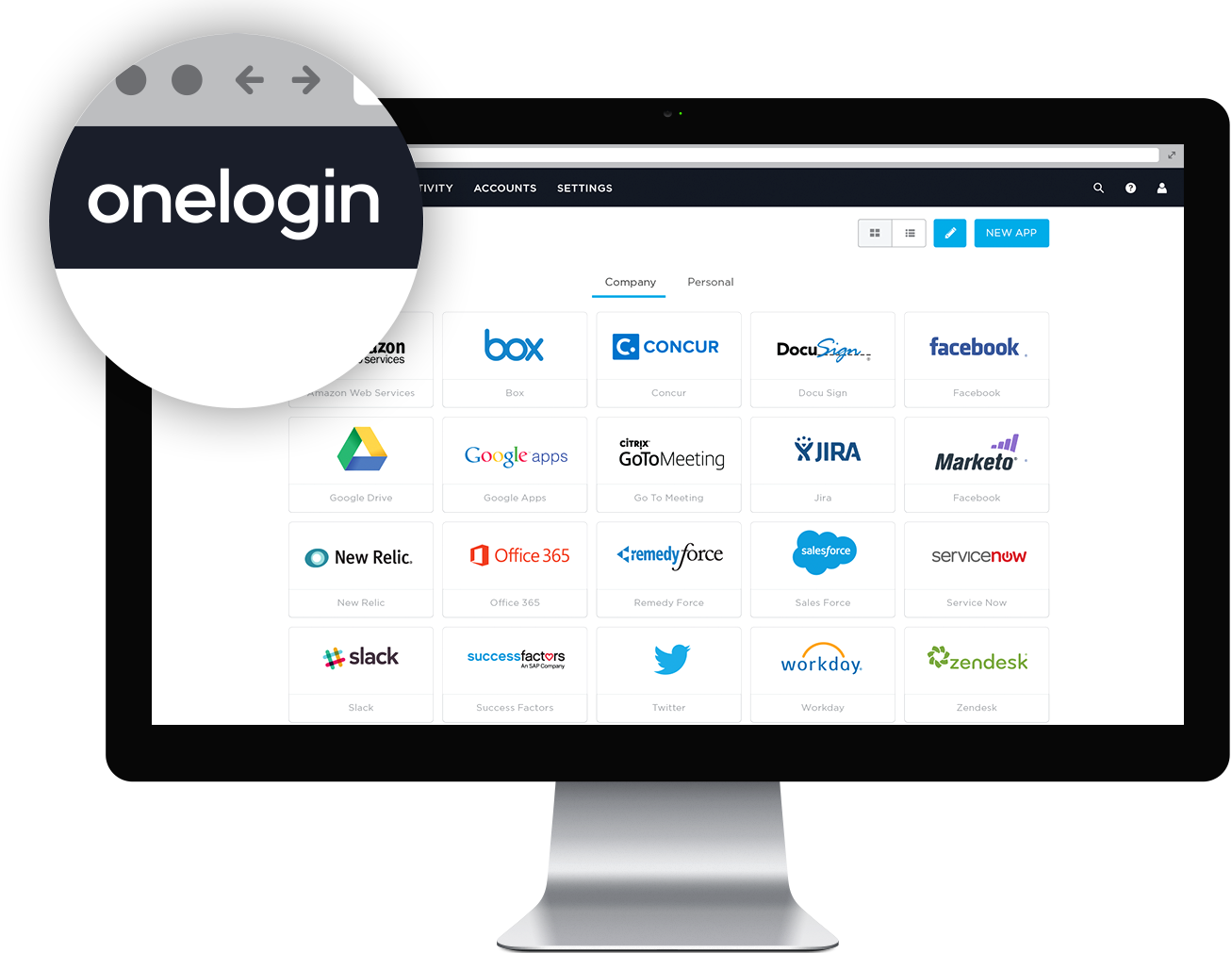
Increase productivity while keeping data secure. With single sign-on users only have to enter one set of credentials to access their web apps in the cloud and behind the firewall – via desktops, smartphones and tablets. This foundational identity and access management (IAM) measure is a first step in building trusted experiences for your workforce, customers, and partners. OneLogin's policy-driven password security, multi-factor authentication, and context aware access management ensure that only authorized users get access to sensitive data. You can implement more demanding password policies such as required length, complexity and restrictions on password reuse, as well as session timeout and password reset self-service policy to heighten protection without impeding your users.
Secure, unified endpoint management
OneLogin Desktop is a new kind of endpoint management. Users can leverage the secure profiles of laptop and desktop computers enrolled with the OneLogin Cloud Directory. Once users have logged into their secure profiles with their OneLogin Cloud Directory credentials, they can directly access all their apps via the OneLogin SSO portal. In other words, once users are logged into their operating system, they don’t need to login again to access corporate apps, freeing up their time while strengthening security!
Multiple logins
Our single sign-on authentication system lets you create any number of logins to the same type of application. If you have five WordPress sites or two Google Apps accounts, OneLogin makes them available with one password, one click. If you have different staging and production environments, multiple login functionality is a real time-saver.
Social login
Allow end-users to login to OneLogin using their Social Identity Provider credentials from services such as Facebook, LinkedIn, and Twitter. This streamlines the user experience by removing the need to create and remember a new password. We’ve made it very easy for OneLogin admins to implement Social Login. This feature is especially useful for apps used by your customers, as it removes friction at a critical point in the customer journey. Learn more about Customer Identity and Access Management (CIAM).
Windows domain authentication
OneLogin only prompts users for credentials when necessary. Users who are already signed into their corporate Windows domain get automatically signed into OneLogin using Integrated Windows Authentication.
Application launch links and deep linking
Users don't always have to access apps via OneLogin's SSO portal. Many times, apps are launched via links in emails, such as document sharing notifications or meeting invites. Just click the link and OneLogin gets you signed in automatically.
Personal applications
OneLogin is not limited to enterprise apps. You can choose to allow users to add their own, personal apps like LinkedIn, Twitter and travel booking sites. Personal apps do not require IT involvement and are easily configurable and accessible to users via their secure single sign-on portal.
Delegated administration
Enforce the Zero Trust principle of least privilege access by delegating admin rights at a granular level. Programmatically assign privileges based on role and alleviate the burden on IT for access requests, while protecting your organization against security threats.
Password vaulting
OneLogin elegantly handles web applications that don't support federation with a technique known as password vaulting. This enables enterprises to provide their users with SSO for all web applications. The mechanism by which vaulted passwords are stored has been extra hardened to protect them against unauthorized access.
App catalog
OneLogin is pre-integrated with thousands of web applications and new apps are added every day. Search our app catalog and add the apps you need to your account. Obsessed with an app we don't already support? Let us know and we'll add it for free.
Shared logins
Some apps don't support multiple users at the same time, such as Twitter, FedEx or SurveyMonkey. OneLogin's SSO solution lets you easily share access to such applications among multiple users without having to give out the credentials. This is helpful when new people join, but critical for your data security when employees leave your organization.
Language support
Got users in Germany, France, Japan or China? OneLogin's portal supports 21 languages, which gives users across the globe an optimized user experience. Just choose which localization you want to make available and OneLogin will automatically match the portal's language to the user's browser settings. Language we don't already support? Let us know and we'll add it.